![Route Compact.png]](https://44031258.hs-sites.com/hs-fs/hubfs/Route%20Compact.png?height=40&name=Route%20Compact.png)
Create proposals and contracts based on templates. Customize each contract PDF in seconds and save hours of tedious work.
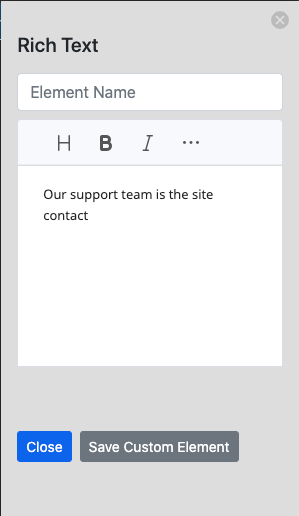
The feature we have now allows you to create proposals manually or by using templates you have already saved. There are many items to choose from, including Letterhead - Charges - Service Frequency - Scope of work - Areas - Rich text - Signatures
These elements include:
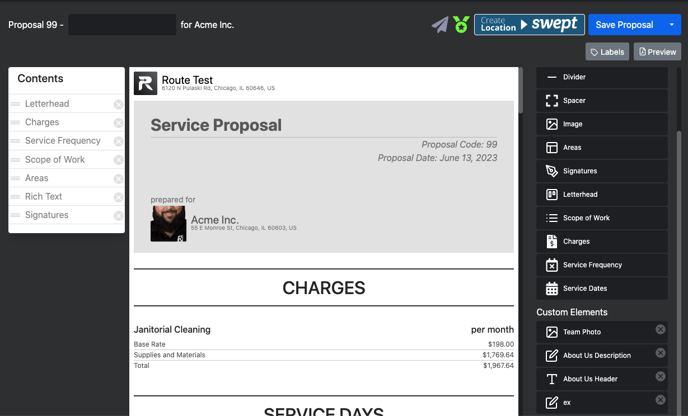
You can also add custom elements for adding anyone you want.
Benefits of using the Proposals.
-
Confidently know how much to charge a client
-
Charge via the method that works for you (hourly rate, rate per sq. footage, or by fixture count)
-
Customize each contract PDF in seconds
-
Save hours of tedious work
-
Save proposals on our website to work collaboratively with your team
Custom elements
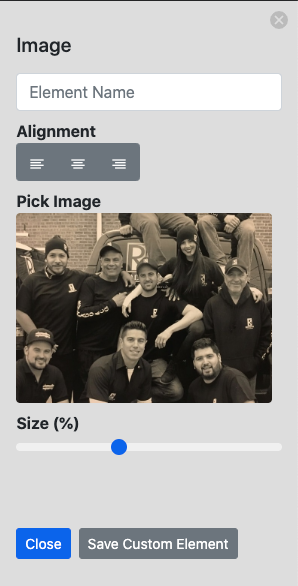
Team photo - choose a photo that represents your team and proposal.
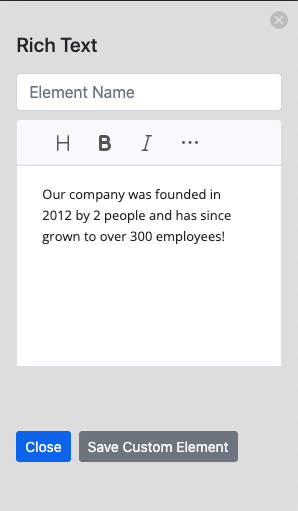
About Us Description - Describe your company in a way that helps potential clients identify it
About Us Header - Puedes colocar la historia, compromiso, misión, valores, y mucho más. 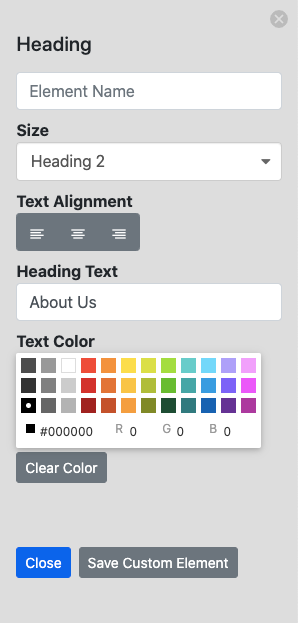
Ex - Other text can be added from contacts if necessary.
How to create a proposal
From an estimate
-
From an estimate that you have already generated, you can create a proposal.
From a completed walkthrough
-
In the same manner, walkthroughs should be conducted. Using the walkthroughs that you already have active, you can create a proposal.
From a client location
-
In addition to generating proposals from estimates and walkthroughs, you can also generate proposals from the location. Would you like to learn more about proposals?