![Route Compact.png]](https://44031258.hs-sites.com/hs-fs/hubfs/Route%20Compact.png?height=40&name=Route%20Compact.png)
When this "Sync data" problem occurs in our RouteBid app, we recommend the following steps. In general, this issue occurs more frequently on Android than on iOS.
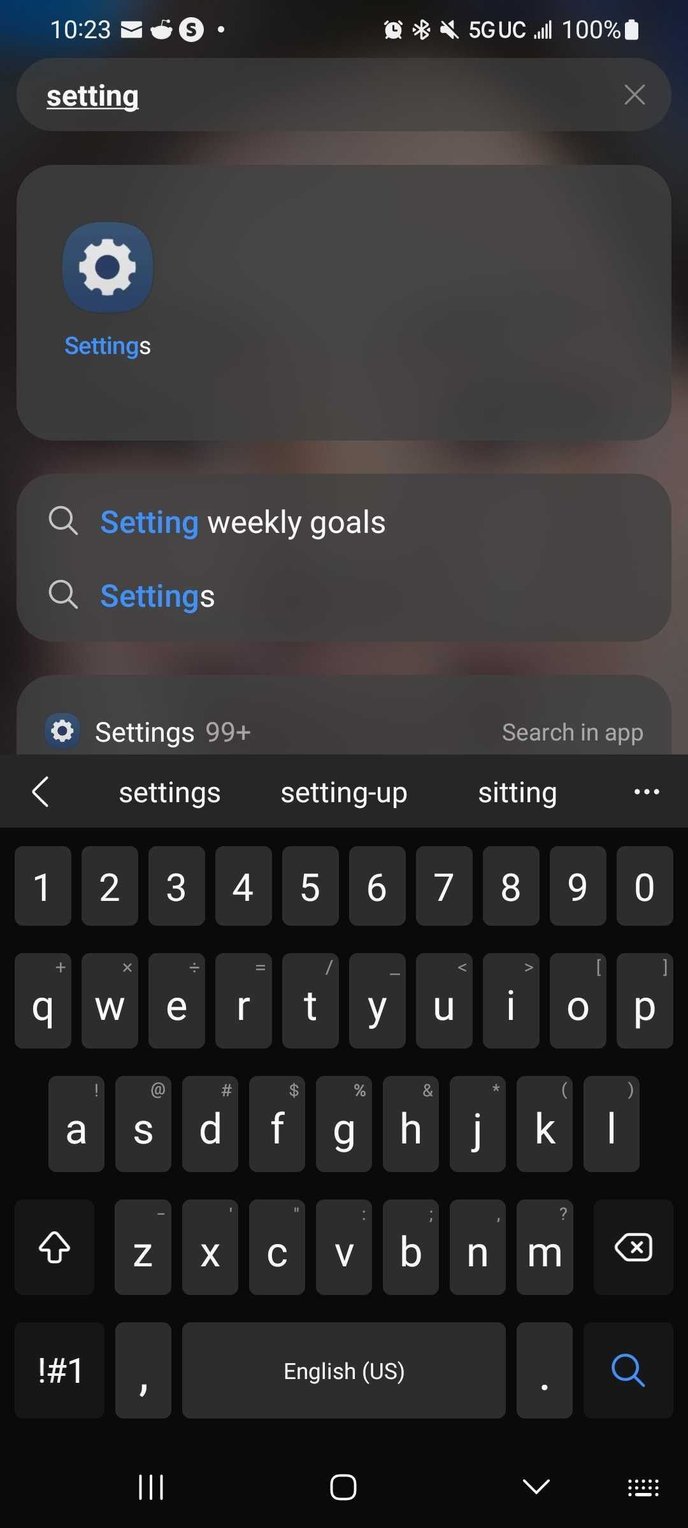
The first step is to go to settings:
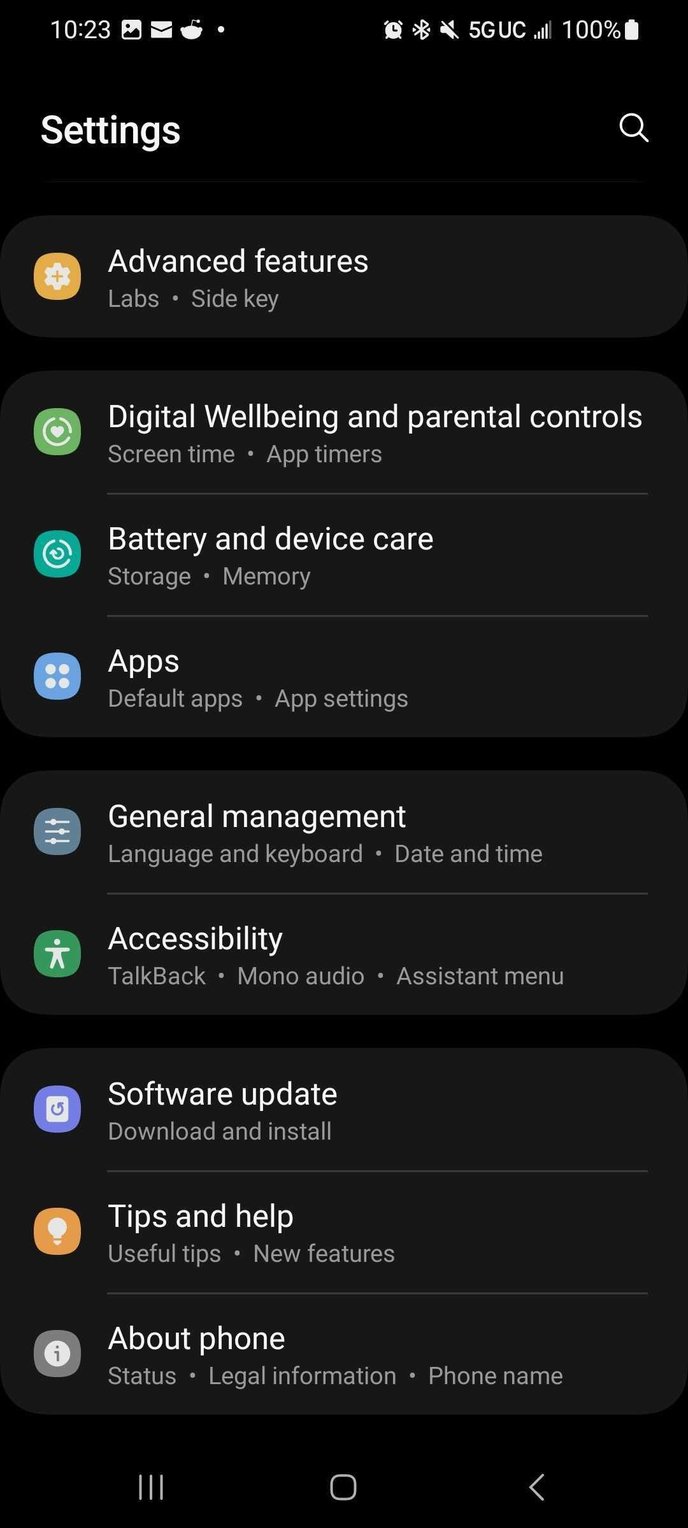
To proceed, we must click on the option that says “Apps”:
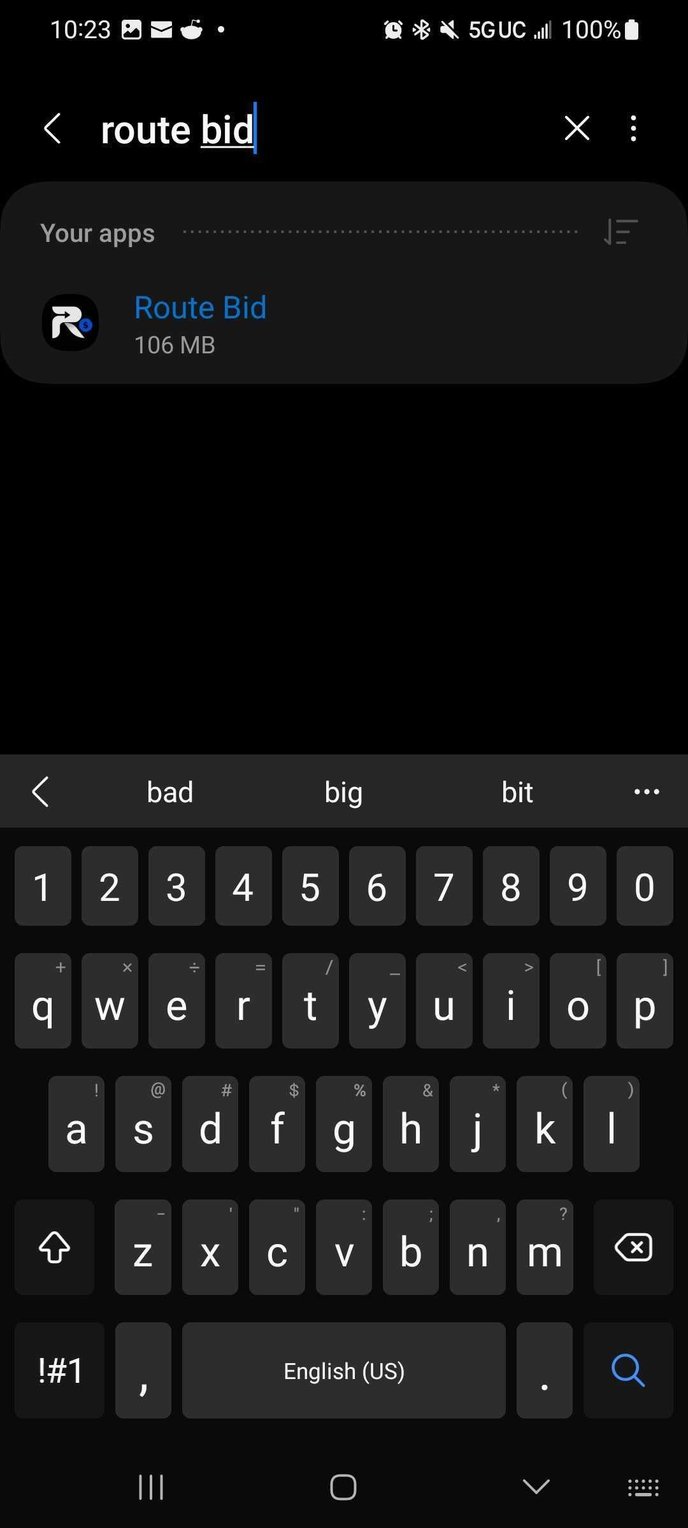
The third step is to find the app, in this case "Route Bid.”
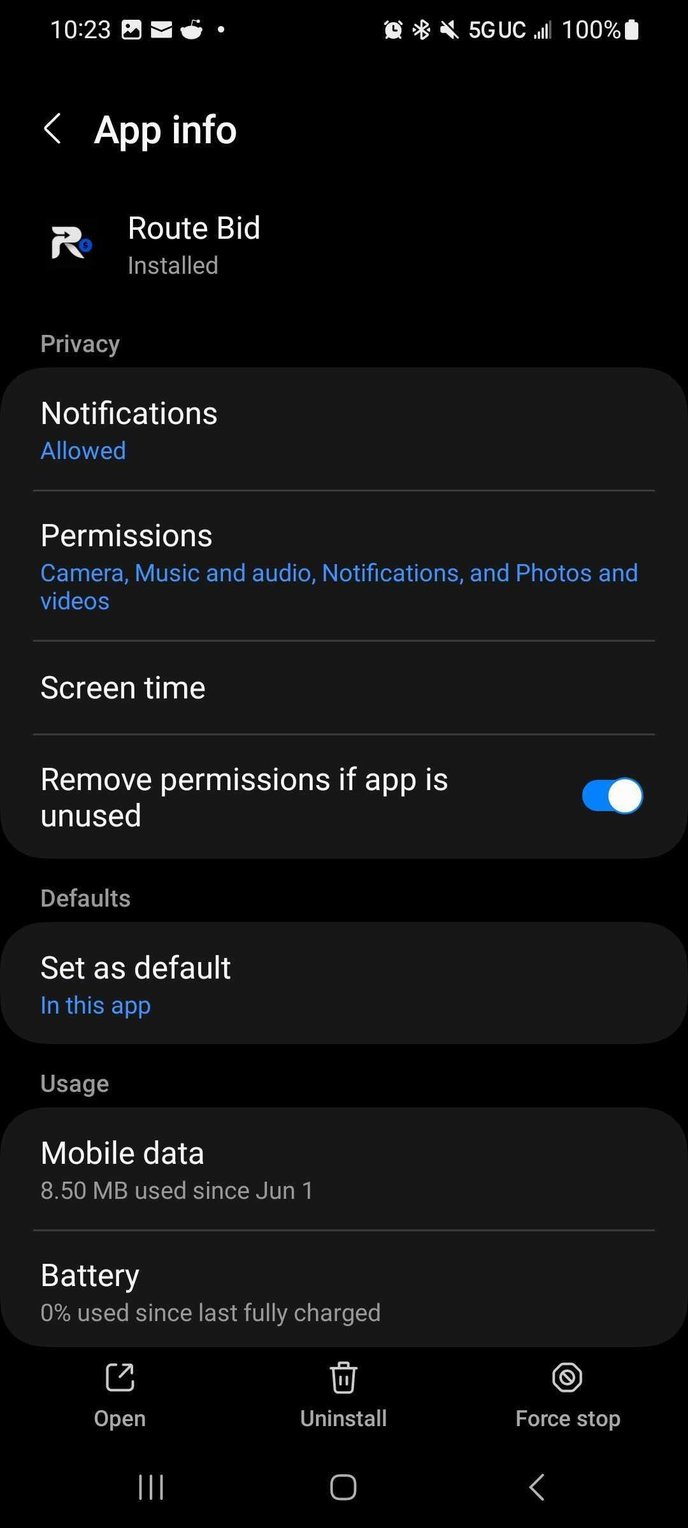
Finally, we must click on "Force Stop" so that we can use the app again without any problems.