![Route Compact.png]](https://44031258.hs-sites.com/hs-fs/hubfs/Route%20Compact.png?height=40&name=Route%20Compact.png)
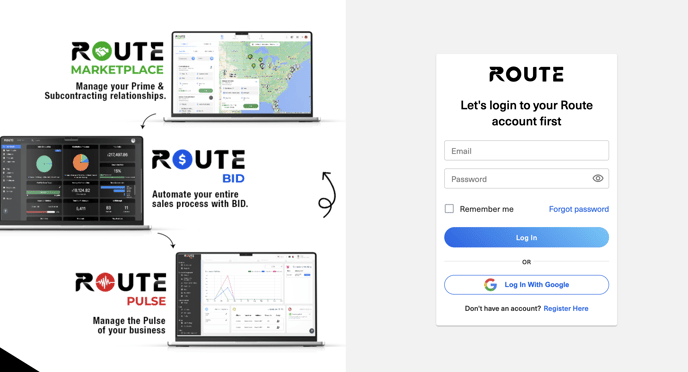
Step 1. Log In with your email & password
Step 2 . Go To Billing Page
There are two ways to get to the billing page.
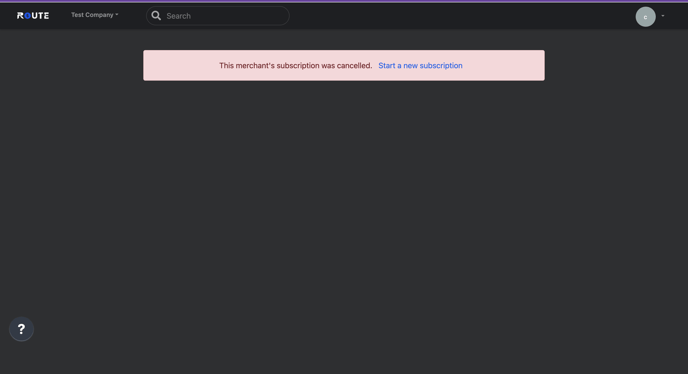
Option 1 # is logging into the platform of your choice . You will see a pop up asking you to start a new subscription .
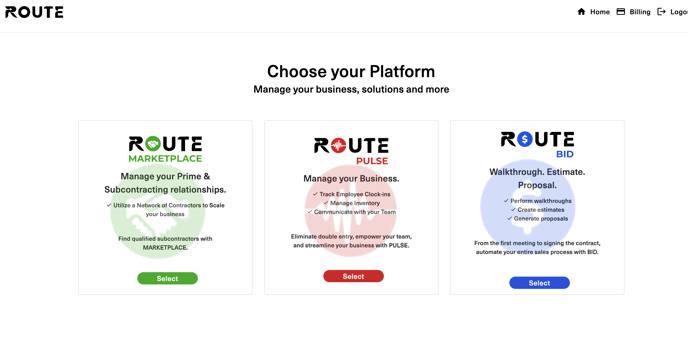
Option # 2 : After logging In , go to the upper right hand corner and click on billing . 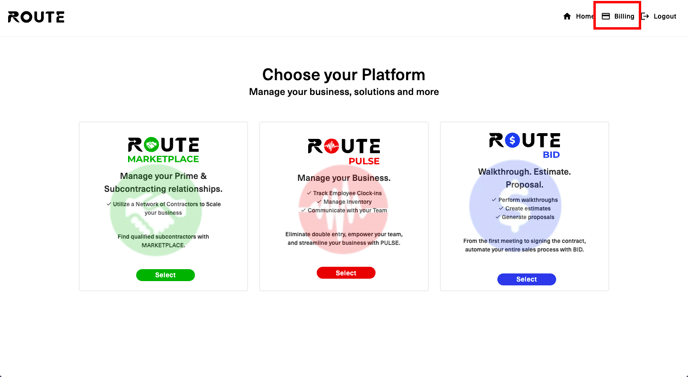
Step # 3 Chose the platform that you would like to resubscribe to .
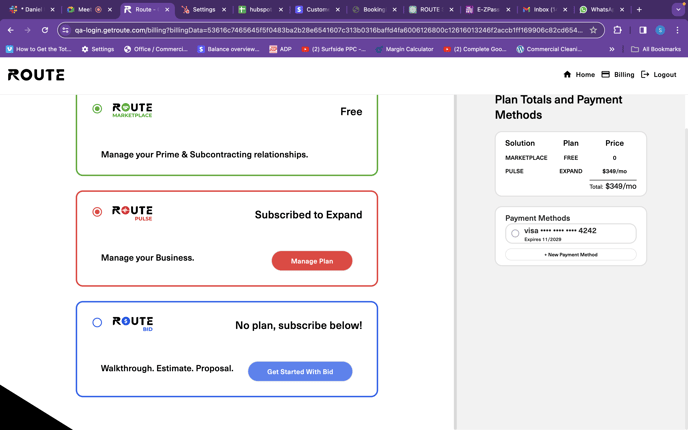
Step #4 Chose the plan of your choice.
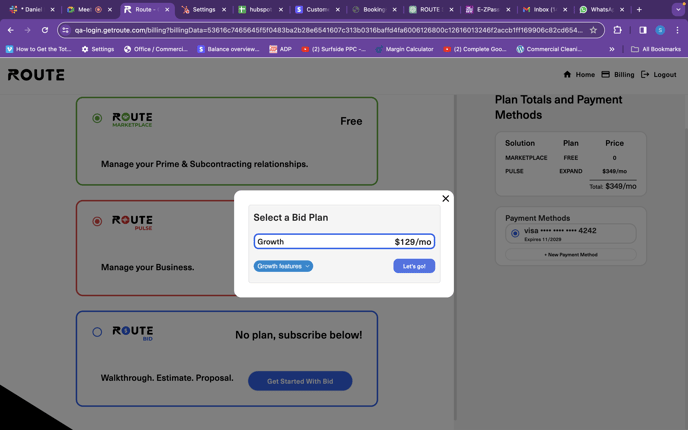
Step # 5 : Click On Lets Go
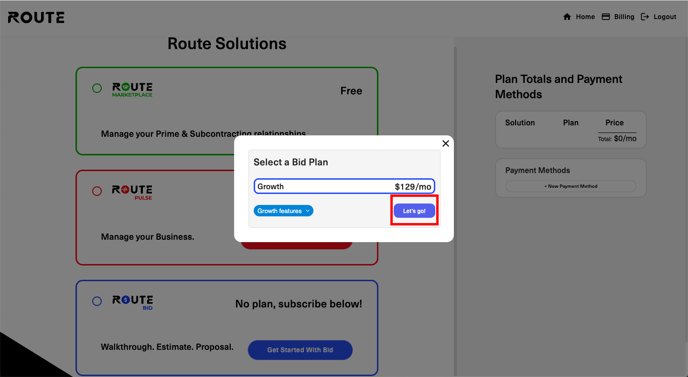
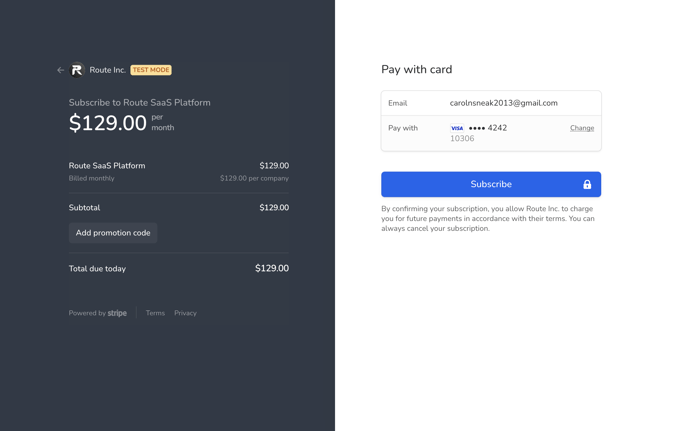
Step #6 : Input the credit / debit card information of your choice & click subscribe
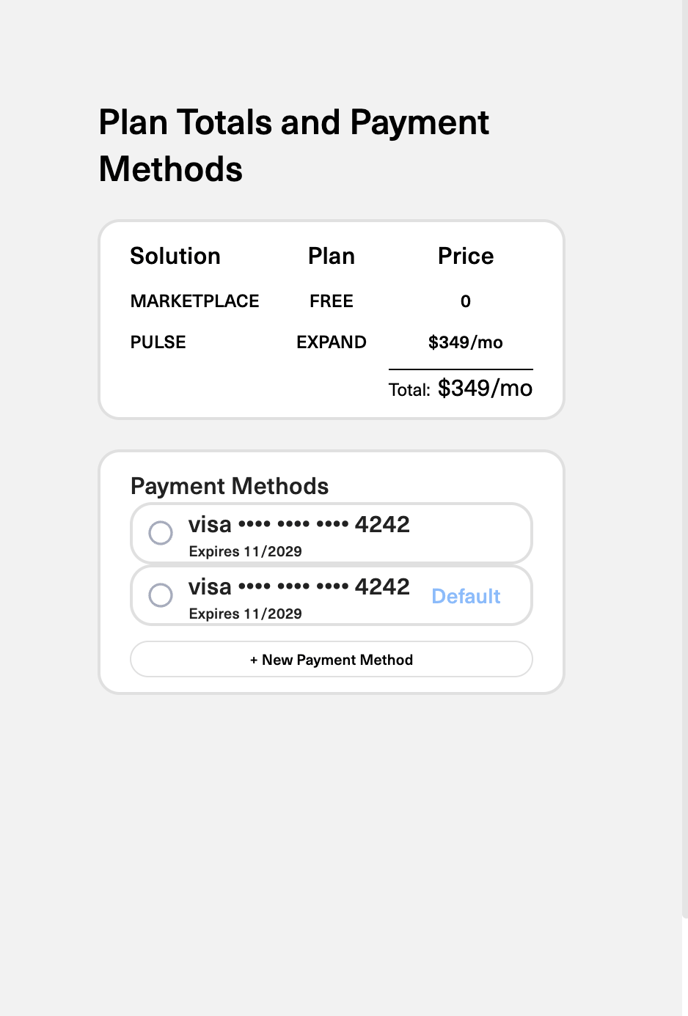
Steps for adding an additional credit / debit card .
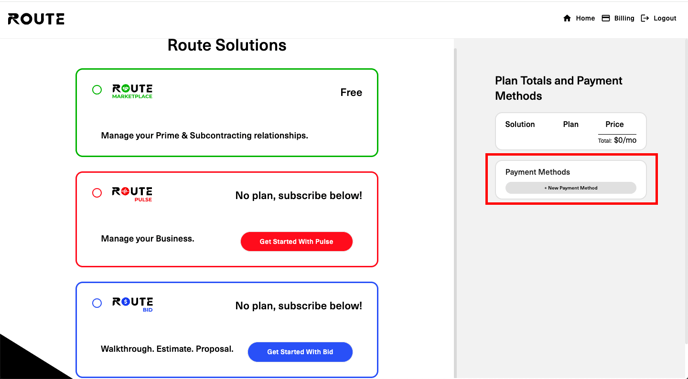
Step # 1 : Click On New Payment Method Button
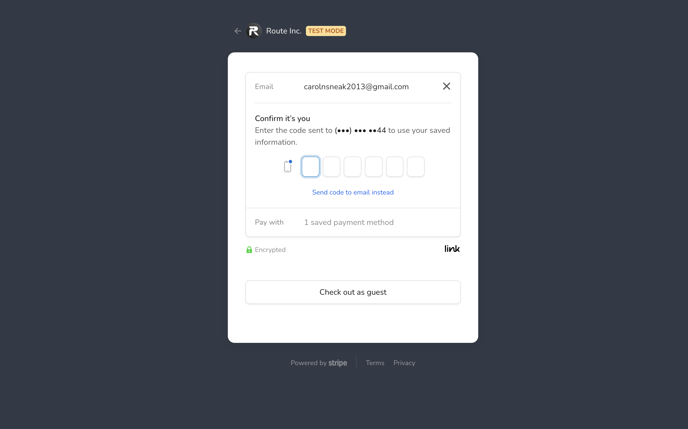
Step # 2 : Confirm its you by entering the code that was sent to your email / phone number.
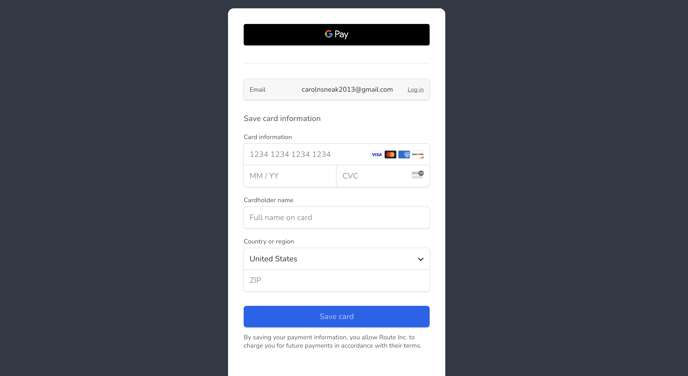
Step # 3 : Add your credit / debit card information
Step # 4 Choose your default credit / debit card under plan totals & payment methods.